

Girl DP: Stylish, Cute & Hidden-Face Ideas
A good girl DP is a display picture that stays clear in a small circular crop and feels comfortable to share. Choose a simple subject, leave space around it and check the final thumbnail before saving. You can use a portrait, a hidden-face photo, a personal object or an illustration; showing your face is optional.
The most useful choice depends on the account. Friends may recognize a familiar personal photo, while a creative account may benefit from an original illustration or a consistent visual theme. A hidden face can reduce visible personal detail, but it does not make an account anonymous.

Choose the kind of display picture you want
- Recognizable: a clear portrait with a quiet background.
- Hidden face: a back-view photo, hands holding something or a cropped outfit detail.
- Cute: a pet, a small illustration or a playful personal object.
- Stylish: a strong silhouette, clean color palette or simple outfit composition.
- Creative: an original drawing, monogram or photographed piece of your own work.
Use a photo you own or have permission to use. A picture appearing on Pinterest, a search result or another profile is not automatically free to republish.
Twelve girl DP ideas you can make yourself
1 Window light portrait

Stand near a window and use a plain background. Keep the face away from the edge so the circular crop does not cut it awkwardly. Check the thumbnail rather than judging only the full-size image.
2 Back view outdoors
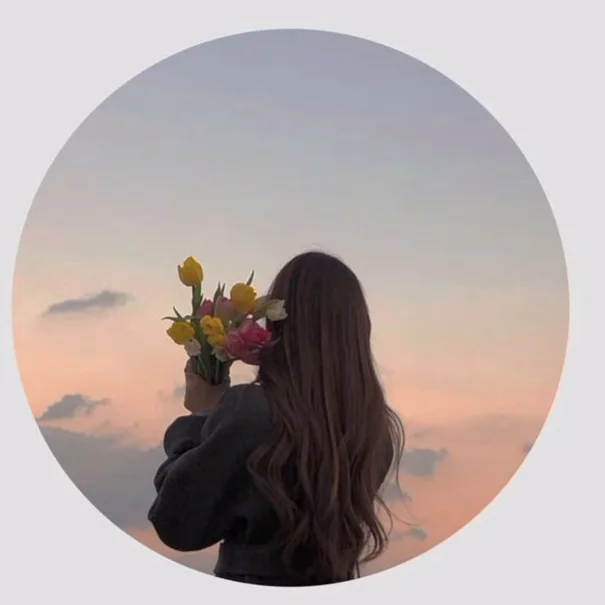
Photograph yourself facing a garden, wall or open view. Keep identifying signs and exact location details out of the frame if privacy matters. A recognizable outfit or background can still identify you.
3 Book and hands

Use hands holding a book as the main subject. Check that the cover, annotations or visible papers do not reveal personal information. Frame tightly enough that the subject remains clear at thumbnail size.
4 Flower detail

Hold a small bunch of flowers against a simple background. Choose one strong color rather than several tiny competing details. This gives a personal photograph without needing a face.
5 Side profile

Use a side-facing portrait with space in the direction you are looking. Avoid strong backlighting if it hides more detail than you intended. Preview how much of the face remains visible after cropping.
6 Outfit detail
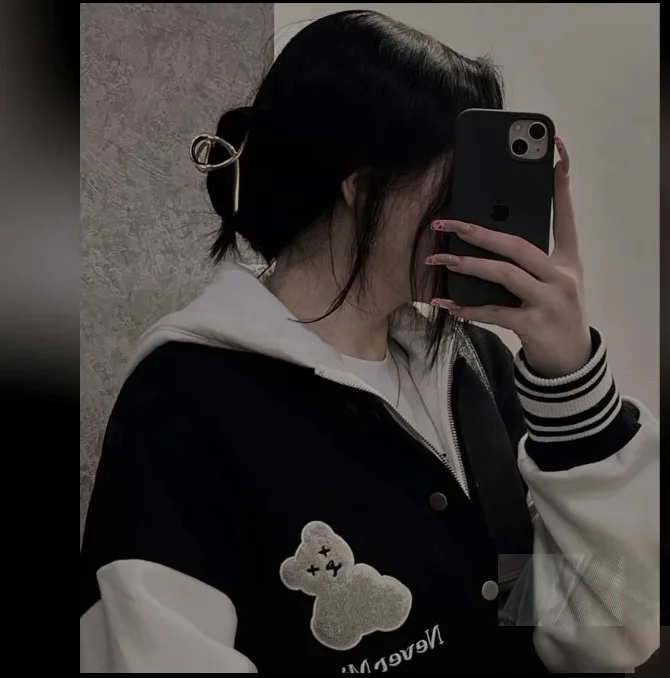
Photograph a sleeve, scarf or accessory with a clear composition. Remove visible ID cards, school badges or work documents before shooting. Keep the focus on the detail you actually want to share.
7 Mirror photo with a clean background

Use a plain room and check the entire reflection, including mirrors behind you. A phone covering the face does not hide everything else in the scene. Remove documents and personal items you do not want public.
8 Pet portrait
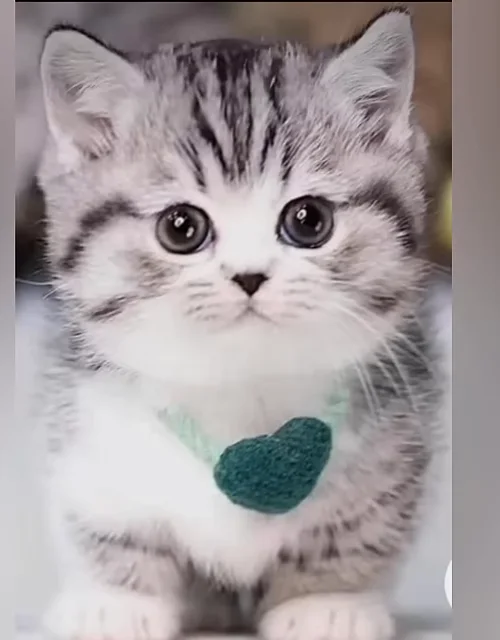
Take a close, well-lit picture of your own pet with a simple background. Check collars and tags for phone numbers or addresses before uploading.
9 Original illustrated avatar
Draw a simple character or commission one with clear usage rights. A few strong shapes usually survive a small crop better than a detailed full scene. If using AI, choose a clearly illustrated fictional character rather than impersonating a real person.
10 Personal monogram
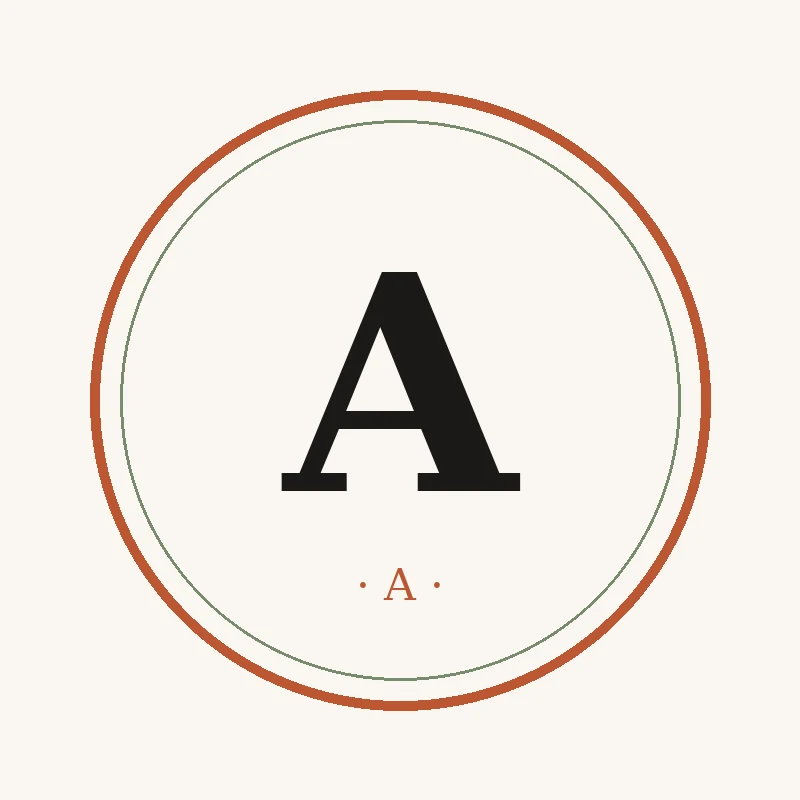
Use one or two initials in a readable type style against a solid background. Leave generous space inside the circle. This works when you want a consistent image without a personal portrait.
11 Hobby close up

Photograph a sketchbook, camera, instrument or other object you actually use. Avoid a busy desk full of small details. One object and a quiet background communicate more clearly at a small size.
12 Simple silhouette
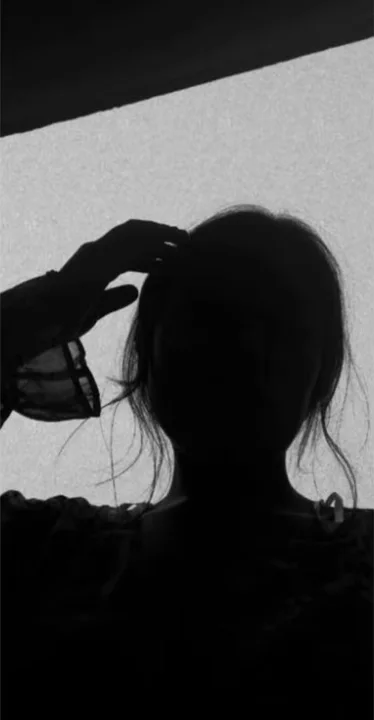
Use an original side or back-view photograph with a clear outline. Make sure the subject separates from the background. A silhouette is a styling choice, not a guarantee of privacy.
Make a photo work in a circular crop

- Begin with a square working crop and keep the main subject near the center.
- Leave space around the head or object so the circle has room.
- Preview at a small size. Remove tiny text and distracting background details.
- Check the platform’s upload preview before saving.
- View the saved profile on your phone to confirm the crop.
Keep your original high-quality file. Different platforms may crop or compress the same image differently, so do not keep re-editing a downloaded thumbnail.
How can I make a hidden face DP safer to share
Look beyond the face. School logos, street signs, reflections, documents and a familiar home entrance can reveal information. Choose a neutral background and remove details that do not belong in a public image.
Review who can see the profile picture and other account details using the platform’s current settings. Do not assume a picture is private because the feed has restricted access; profile surfaces can behave differently. If someone else appears in the picture, ask before using it.
What if I want a cute or stylish DP without editing my appearance
Change the composition first: use a cleaner background, better light or a simpler crop. You do not need to alter skin tone, body shape or facial features to make a picture work.
An illustrated avatar, a flower photo or a hobby detail can express style without a portrait at all. Avoid choosing an image because it meets someone else’s idea of what a girl should look like. Comfort and recognizability are better criteria.
Downloaded images AI images and permission
Check the licence of a downloaded image and whether it allows your intended use. Credit alone does not replace permission. Do not remove another creator’s watermark or use a stranger’s portrait to suggest it is you.
For AI images, a clearly fictional illustration is a practical option. Do not upload a real person’s face to a generator without permission or create an image intended to impersonate them. Keep any original file and the relevant licence or commission terms with the image.
A quick check before saving your DP
- Can you identify the subject at thumbnail size?
- Does the circular crop leave the important parts intact?
- Is the background free of private details?
- Do you own the image or have suitable permission?
- Are you comfortable with the people who may see it?
Choose one idea and make two crops: one closer and one with more space. Compare them at small size. For a matching profile introduction, use our two-line bio ideas or the general Instagram bio guide.
Frequently asked questions
What does girl DP mean
DP means display picture. The search usually refers to profile-picture ideas associated with girls or women, but anyone can use the composition ideas that suit them.
Which hidden face DP is easiest to create
A back-view photo, a book-and-hands image or a flower detail can be simple starting points. Check the background and crop for identifying information.
Is a hidden face DP anonymous
No. Clothing, surroundings, account information and other details may still identify someone. Treat it as a visual preference rather than an anonymity tool.
Can I use a photo from Pinterest
Only when you have the relevant permission or licence. Finding a picture there does not automatically grant reuse rights.
What size should I upload
Use a clear original image and check the chosen platform’s current requirements and upload preview. A square source with room for a circular crop is a useful working format.